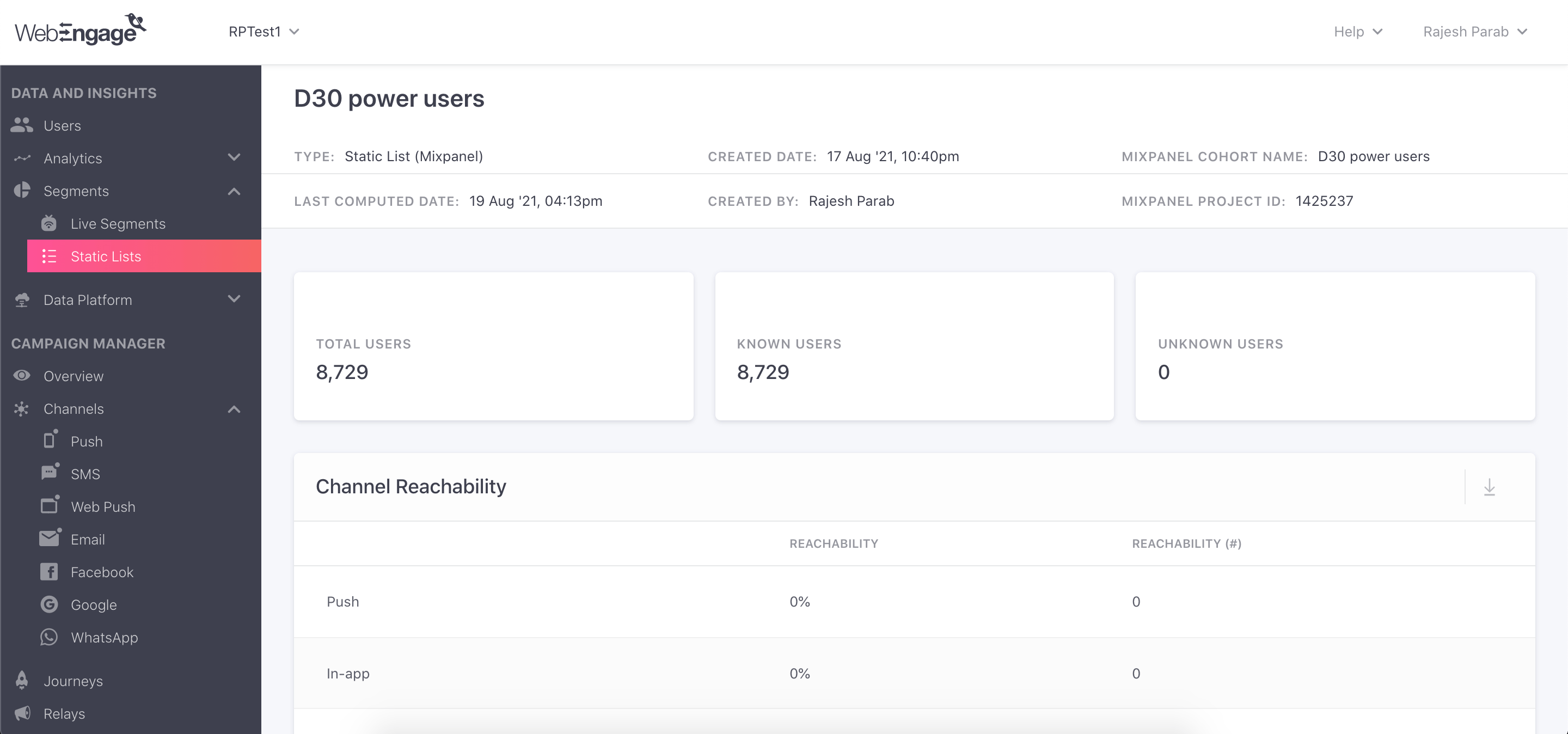
Overview
Export Mixpanel cohorts to WebEngage to create custom segments that you can apply in your WebEngage campaigns. Manage the WebEngage integration from the Mixpanel Destinations page.Permissions
You must be a Mixpanel project admin to enable the WebEngage integration.Enable the Integration
To enable the integration:- Navigate to Data in the nav bar, then select Destinations.
- Click Add Destination, select WebEngage, and click Connect.
- Enter the WebEngage API Key from your WebEngage dashboard.
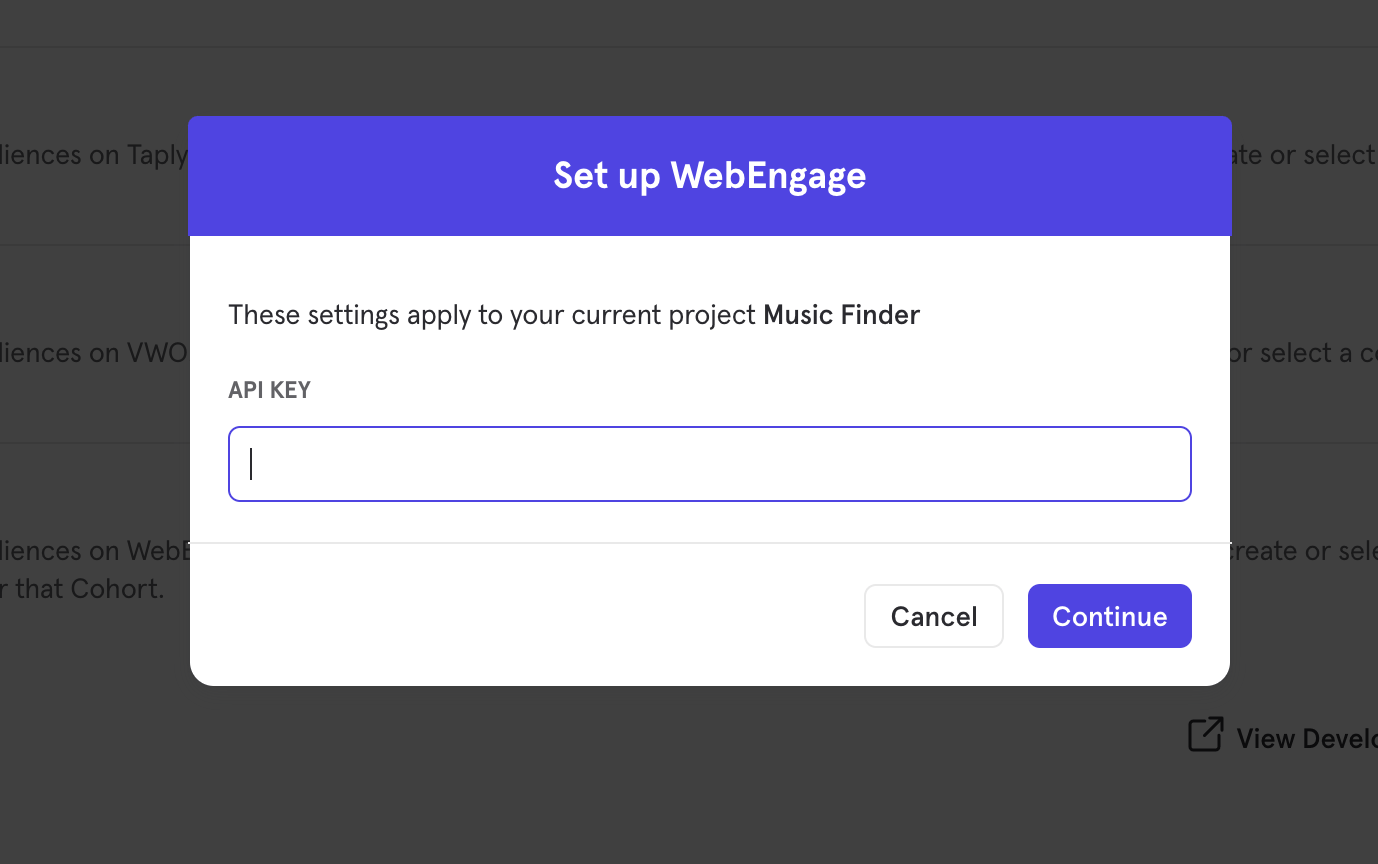
- The WebEngage integration will show a Connected tag in the UI once the connection succeeds.
Matching Users between WebEngage and Mixpanel
Mixpanel only exports identified user profiles to match to WebEngage - users without user profile properties (i.e. anonymous users) will not export. The exported users are properly mapped in WebEngage’s system only if the resolved distinct_id in Mixpanel and the User ID in WebEngage have the same value. If no match is found, WebEngage will create new user profiles for the users exported from Mixpanel.Export a Cohort
To export a Mixpanel Cohort to WebEngage:- From the Destinations page (recommended)
- From Lexicon
- Navigate to Data in the nav bar, then select Destinations.
- Find the WebEngage destination in the list and click on it.
- Click the Syncs tab, then click Add Cohort Sync.
- Select the cohort you want to export and configure the sync (one-time or dynamic). Click Start Sync.
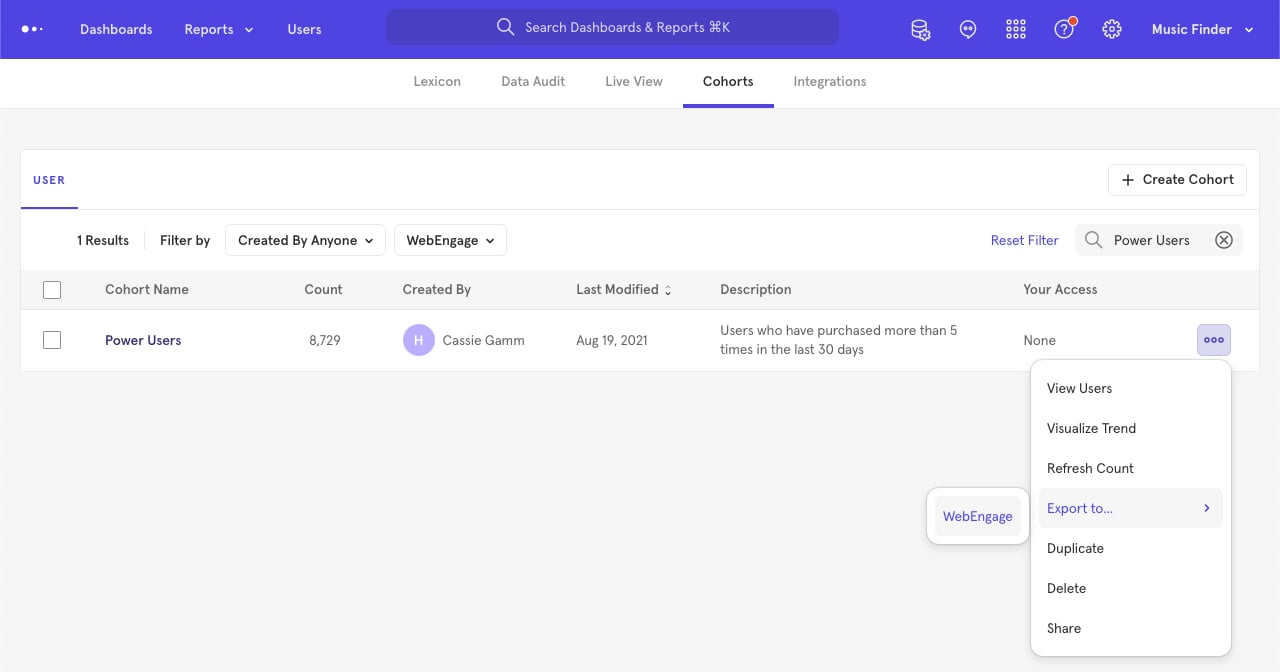
Sync Types
This integration supports two types of exports: one-time export and dynamic sync. When you generate a one-time export or dynamic sync, it overwrites the previous export with an updated export that reflects users who qualify for the cohort at the time of export.One-Time Export
In a one-time export, Mixpanel sends WebEngage a static export of users who currently qualify for the cohort. The cohort data will not be updated in WebEngage after the one-time export is complete.Dynamic Sync
In dynamic sync, Mixpanel initiates sync between a cohort and WebEngage every 30 minutes. The exported cohort will be updated every 30 minutes to reflect the most recent list of users in a cohort.